Darkroom NotesSeason 5STIL.NOTEPart 2 of 6
The name was a sticky note — rebuilding speaker identification
Enroll a voice, and that person's lines get their name — that was the feature, supposedly. Except recordings of people I had never enrolled were coming back labeled with enrolled names. Digging in, I found the model had no mechanism for matching voices at all. The name was a sticky note on a seat. The most surprising story of this series.
Last time I wrote that the voice fought me at every step. Today, the fight that surprised me most.
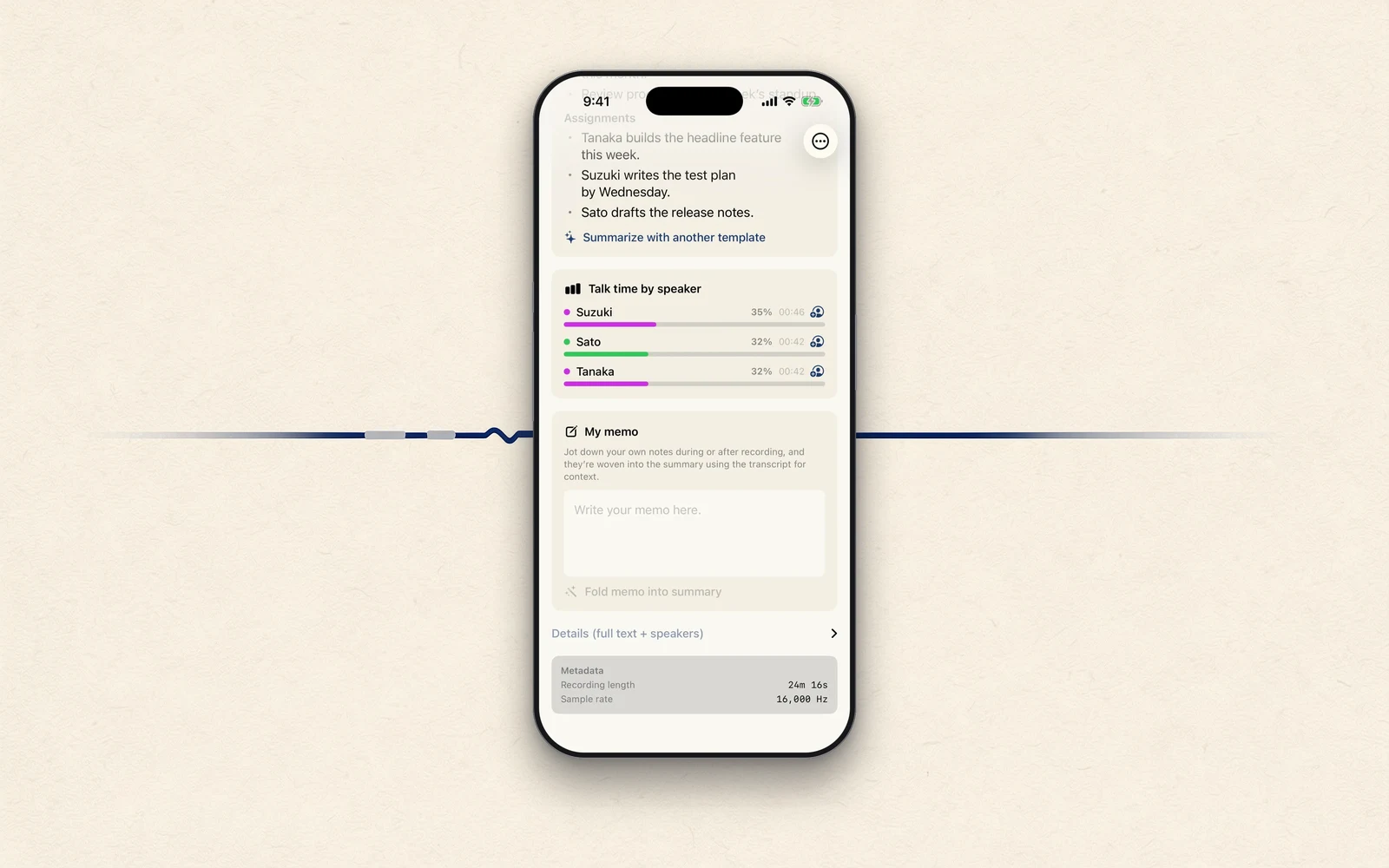
STIL.NOTE has a feature where you enroll your own voice, or a family member's, in advance, and that person's lines in a recording get labeled with their name — "Tanaka:" and so on. That feature was wrong.
A known name on an unknown voice
The symptom: in a recording where only people I had never enrolled were speaking, an enrolled name showed up.
As a test, I enrolled a voice under the name "Alice," then processed a recording in which Alice never says a word. Every line came back as Alice. Any voice would do. It didn't even have to sound like her.
There was no matching
For telling speakers apart, the app uses an on-device speaker-separation model. What I eventually understood was this.
The model is good at spotting that the voice changed. It sorts the speakers in a recording into seats — seat 1, seat 2. But it had no mechanism at all for checking who a voice belongs to.
So what was "enrolling a voice," then? It played the enrolled audio through the model and stuck the name, as a string, on whichever seat lit up most — that was all. Nowhere was there a link between the voice itself and the name. The name was a sticky note on a seat number.
Worse, when a new recording was processed, the seats' contents — the memory of the voices — were reset to empty, while the sticky notes stayed on. And this model assigns seats in order of who speaks first. Which means, depending on how the audio was processed, whoever spoke first in a new recording inherited the name. Whoever they were. That was Alice.
And it gets worse
Digging further, I found the opposite problem too. On the ordinary recording path, the sticky notes were peeled off when recording started — so an enrolled name would never appear at all.
In other words: the feature could never identify anyone correctly, and could only identify people incorrectly. What looked like it was working had never worked. Of all the kinds of bug, that one chills the spine the most.
Separating "sorting" from "deciding"
The rebuild came down to splitting the job in two.
Sorting stays with the separation model, as before. When did which seat speak — but the seats stay anonymous now: "Speaker 1," "Speaker 2."
Deciding became a separate mechanism. From the enrolled voice and from the voices in the recording, extract a "voice signature" — a string of numbers — and measure the distance between them. Measured for real: the same person's voices sit 0.06 apart; different people, 0.98. Between the two runs a wide river. I drew a line across it, and only when a voice lands close enough past that line does it get a name. If it doesn't reach, it stays Speaker 2.
This meant bundling one more model into the app, about 29 MB. Even so, nothing is downloaded at runtime and no voice leaves the phone. Everything on this iPhone — that part doesn't move.
When it doesn't know, it says so
What the fix taught me is that making a machine say a name matters much less than making it able to say "I don't know."
The old build would utter a name it knew without checking anything. The new build, when it isn't sure, gives the honest answer: Speaker 2. Charmless, but not a lie. A tool that handles records should be the second kind.
Next time
The same disease, it turns out, had infected the summaries: saying more than it heard. Next, the story of how the AI conjured an entire meeting out of a single "Yes."
STIL.NOTE is out on the App Store.