Darkroom NotesSeason 5STIL.NOTEPart 4 of 6
Save the audio first — after losing fifteen minutes
Fifteen minutes of recording, gone. I pressed stop, and while waiting for the summary I went back to the home screen. That's all it took. The cause was my own design: saving sat at the end of the pipeline. A conversation has no second take, I wrote in the first post. My design hadn't caught up with my own words.
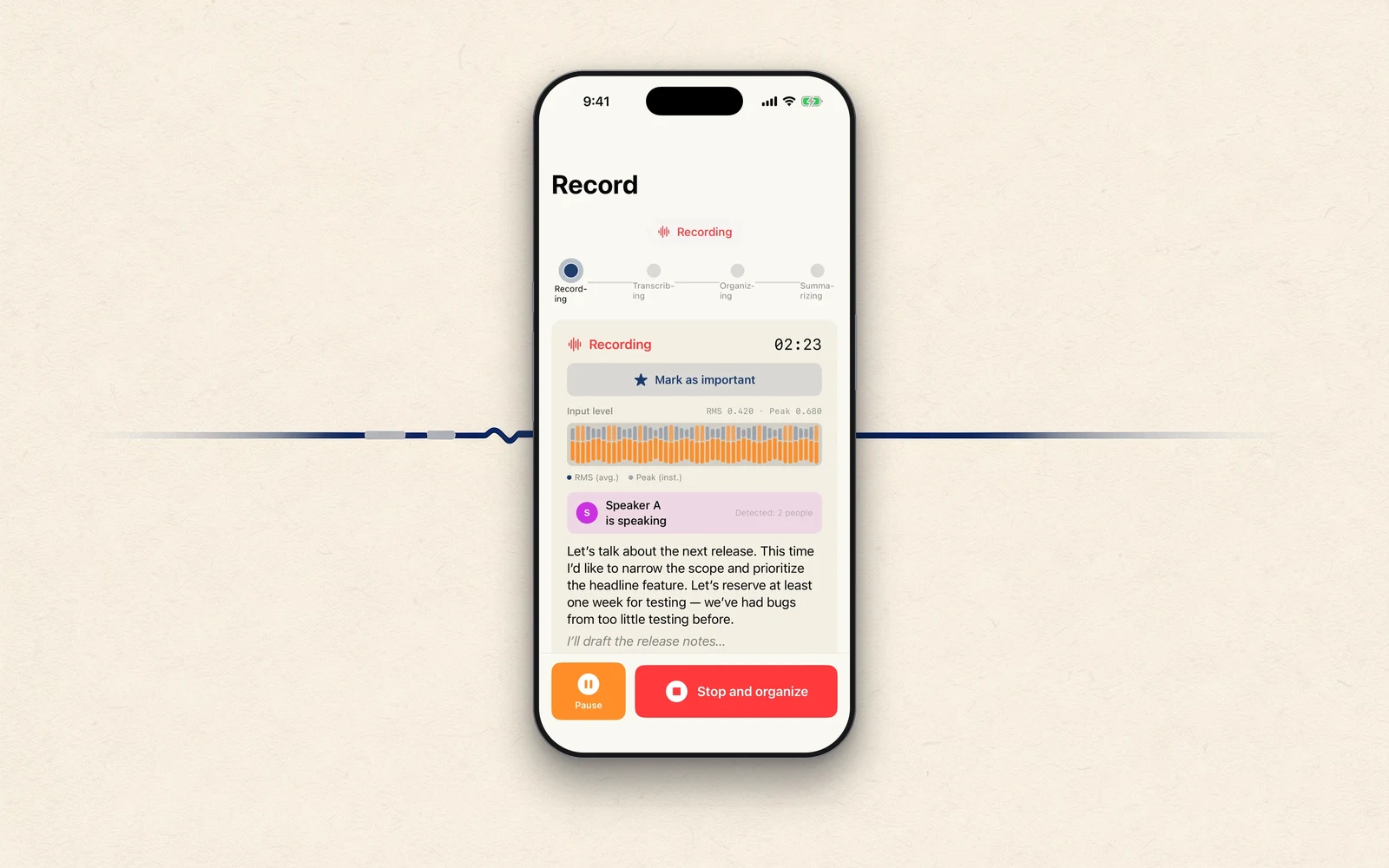
The last two posts were about not letting the machine say more than it heard. Today is about something more basic: not losing what it heard.
Fifteen minutes, gone
I recorded a fifteen-minute meeting and pressed stop. The transcript was done; all that was left was to wait for the summary. While it worked, I went back to the home screen and did something else.
When I returned to the app, the note wasn't there. No summary — and no transcript, and no audio either. Fifteen minutes of conversation had vanished whole. There is no re-recording it. That meeting was already over.
Saving sat at the end of the line
What happened? The pipeline at the time ran in one straight line after stop: finish the transcript, sort the speakers, build the summary, and then write out the audio and save the note. Saving stood at the very back of the queue.
And the summary of a long recording can take a minute or two. If you've gone back to the home screen during that time, the system may terminate background apps to free memory. Kill the line partway through, and since saving hadn't arrived yet, everything goes.
To me, the builder, the summary had looked like the star of the show. So I was finishing the summary and then saving the completed piece. Losing it taught me otherwise. The star is the audio. A summary can be rebuilt any number of times, later. The audio, once its moment passes, can never be gotten again.
Flipping the order
The fix was to reorder the queue. The moment you press stop, the audio gets written to a file first. Then, before any summary is built, a note with just the audio and transcript is saved for good. The summary is appended afterward, once it exists.
Now, even if the app is killed partway through, the audio and transcript survive. A note whose summary is still empty gets picked up and finished automatically the next time the app opens.
Writing while recording
Once I started thinking this way, the step before bothered me too. What about during the recording? Until then, in-progress audio lived in memory and only became a file after stop. Which meant anything going wrong mid-recording would erase everything up to that point.
So I changed it to append to a file continuously as it records — in a format that stays readable even if writing is cut off midway. Now if the battery dies or the app crashes, what remains is "the recording up to here," not "nothing."
Picking up, and turning away
Then I shored up the edges. On launch, if an audio file is found that belongs to no note, it's raised into a note automatically. Recordings that run past 90 minutes are divided into chapters without a gap, each chapter saved as it closes. And if the device has less than 100 MB free, the app says so and declines to start recording at all — because recording half a meeting and then failing to write it is the worst ending there is.
The lesson
A summary can wait. A recording can't.
In the first post I wrote that a conversation has no second take. My design hadn't caught up with my own words. Put the thing you can least afford to lose at the very front of the line. It took losing fifteen minutes to notice something that obvious.
Next time
Next, the hearing itself: how transcription fell apart when English slipped into a recording — and how listening twice fixed it.
STIL.NOTE is out on the App Store.