Darkroom NotesSeason 1STIL.Part 2 of 7
How does the iPhone know which frame is good — inside best-frame extraction
Hand it a video and STIL. picks, from hundreds of frames, the one that stands as a photograph. So what is the iPhone looking at when it judges a frame as good? I'll look, as plainly as I can, at the three eyes it measures with — blur, faces, and attention. The fourth frame of the series.
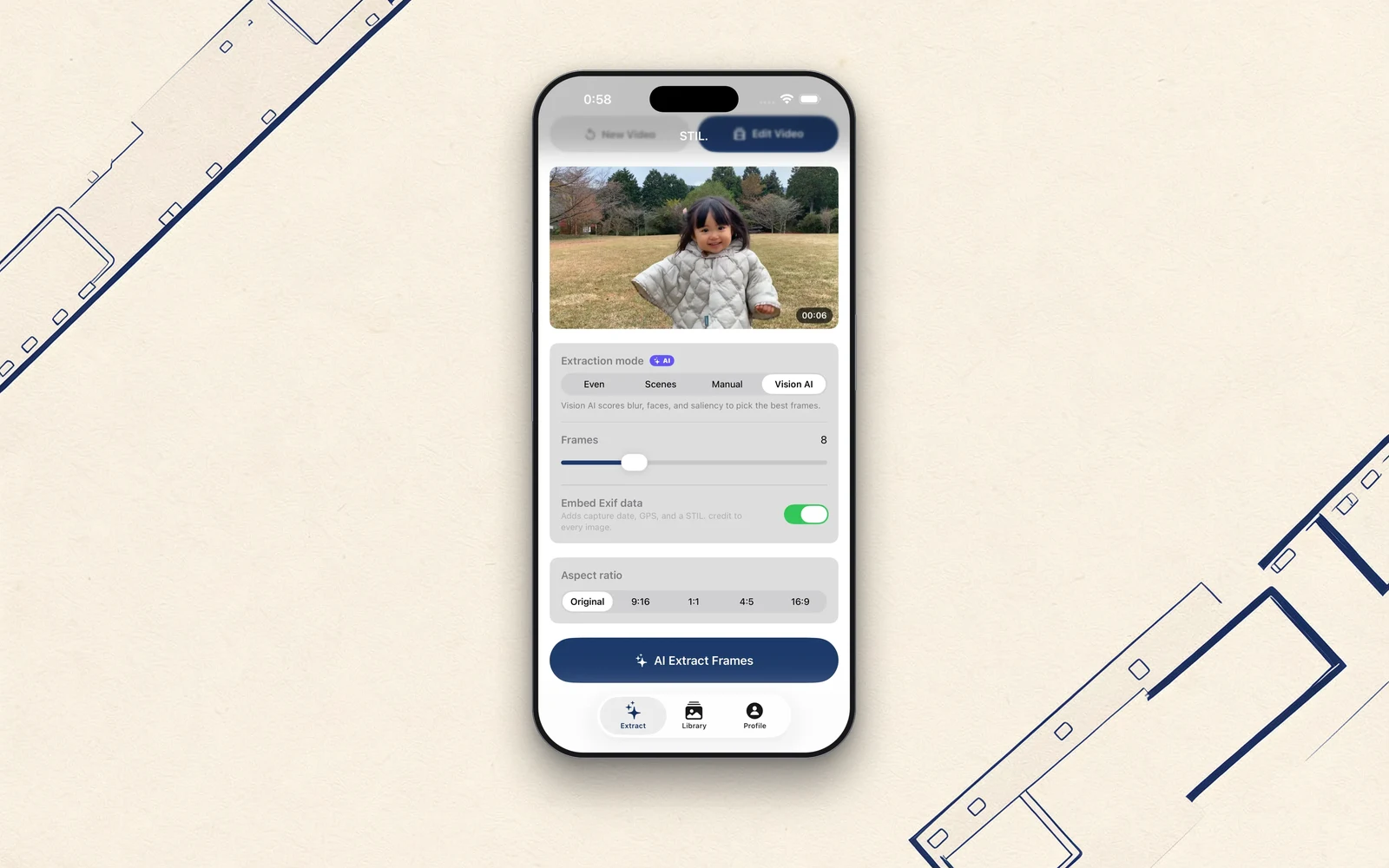
At the centre of STIL. is the feature that automatically picks only the good frames out of a video. Today I want to look inside it, with as little jargon as I can manage.
Even a ten-second video holds hundreds of frames. Comparing them all by hand is hard work. So STIL. scores each frame, using Apple's Vision Framework and scoring of my own design, and pulls out only the top ones.
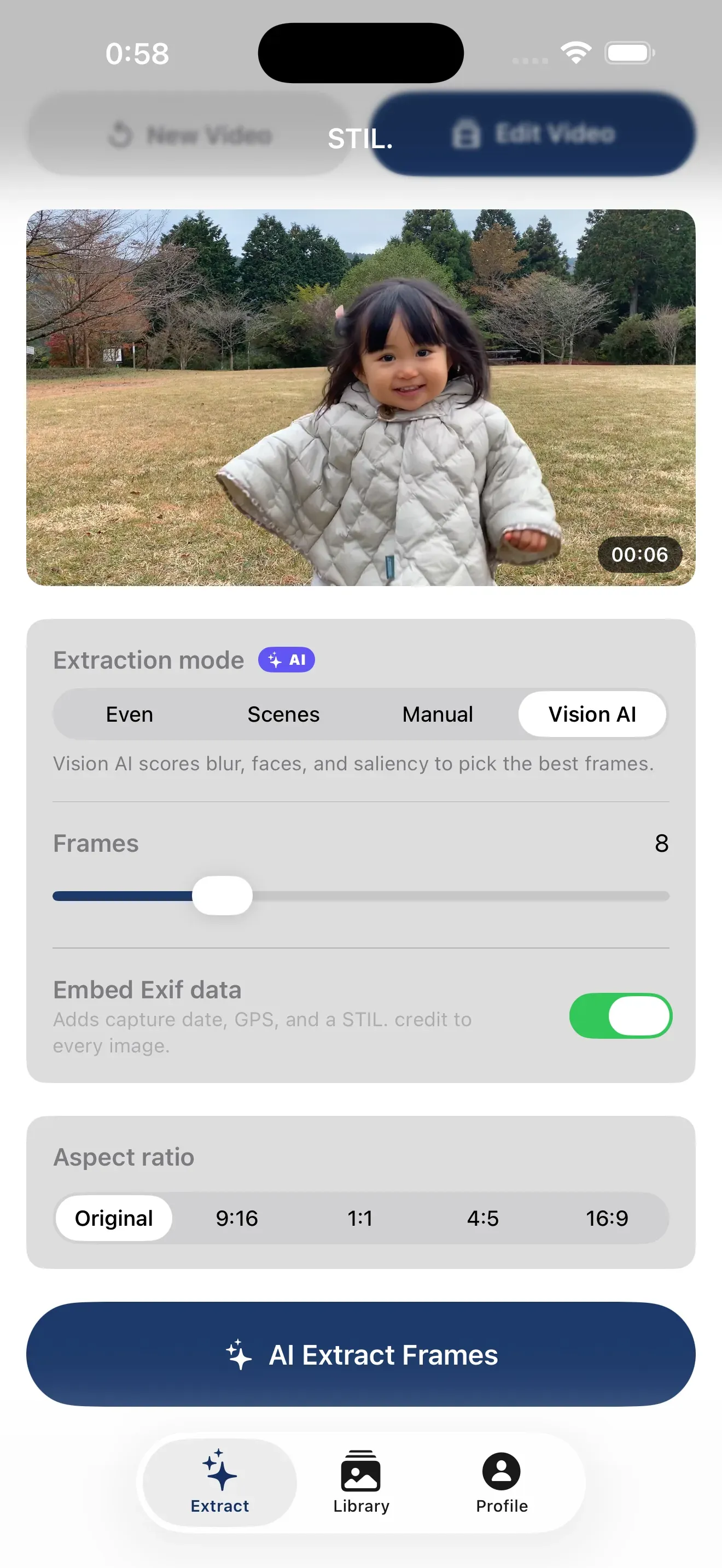
Measuring with three eyes
"A good frame" is easy to say, but a machine can't choose unless "good" becomes a number. STIL. measures each frame mainly through three eyes.
- Is it blurred? — The crispness of fine detail is measured by a calculation called Laplacian variance. Out-of-focus or shaky frames score low here.
- Is the face well captured? — Faces are detected with
VNDetectFaceRectangles. In a scene with people, frames where the face is properly captured are preferred. - Is there a point of interest? — With
VNGenerateAttentionBasedSaliency, it builds a map of where the eye is drawn. The clearer the subject, the higher the score.
These three are combined with weights into a single score for the frame. Sharpness as the axis, with faces and attention added on. Closed-eye moments and blurred frames naturally sink, and the frames that get expression and composition right float to the top — that's the design.
Three stages, light and fast
Analysing every frame at high resolution would be heavy and slow. STIL. splits the job into three stages.
- Stage 1: quickly score the candidate frames at a small size (low resolution)
- Stage 2: normalise the scores and pick the top ones in time order
- Stage 3: extract only the chosen frames at high resolution
In other words: glance lightly at the many, finish only the front-runners with care. It's a way of trimming needless weight so the whole thing can stay inside the device. This, too, was designed for doing without a server — precisely where sending things to one would have been easiest.
Avoiding "all the same frame"
In the first version, choosing by score alone sometimes lined up near-identical frames from just before and after the single best moment — like being shown a few shots out of a burst.
So in v1.2 I reworked the selection. Each extraction style (people, action, landscape, and so on) now measures with its own ruler, and picks are distributed evenly across the video's timeline. The people style drops frames with no one in them. As a result, switching styles now clearly changes which single frame is chosen.
Behind "automatic" there is judgement
"The AI picks automatically" is one line, but behind that line sit many small judgements about what counts as good. Should blur be punished? Should faces win? How heavily should a point of interest count? Deciding those rulers was my job as the maker.
There's nothing flashy about it. It's a patient stack of calculations. But if, at the end of that stack, you think "ah — this one," then for me it's a complete success.
Next time, the grittiest part of getting STIL. out into the world: the record of being rejected three times by the App Store, and passing on the fourth.
You'll find STIL. at stil.photo, and the app on the App Store.