Darkroom NotesSeason 2STIL.TOONPart 1 of 6
Hidden in plain sight — Darkroom Notes, Season 2, and a second app: STIL.TOON
I want to pass on the heat of a moment, just as it was. But this is an age where showing faces takes a little care. My own family is fine — yet a friend, or a stranger who happened to be in the frame, isn't mine to put out into the world. — Darkroom Notes, Season 2. The story of my second app, STIL.TOON, starting with why I made it.
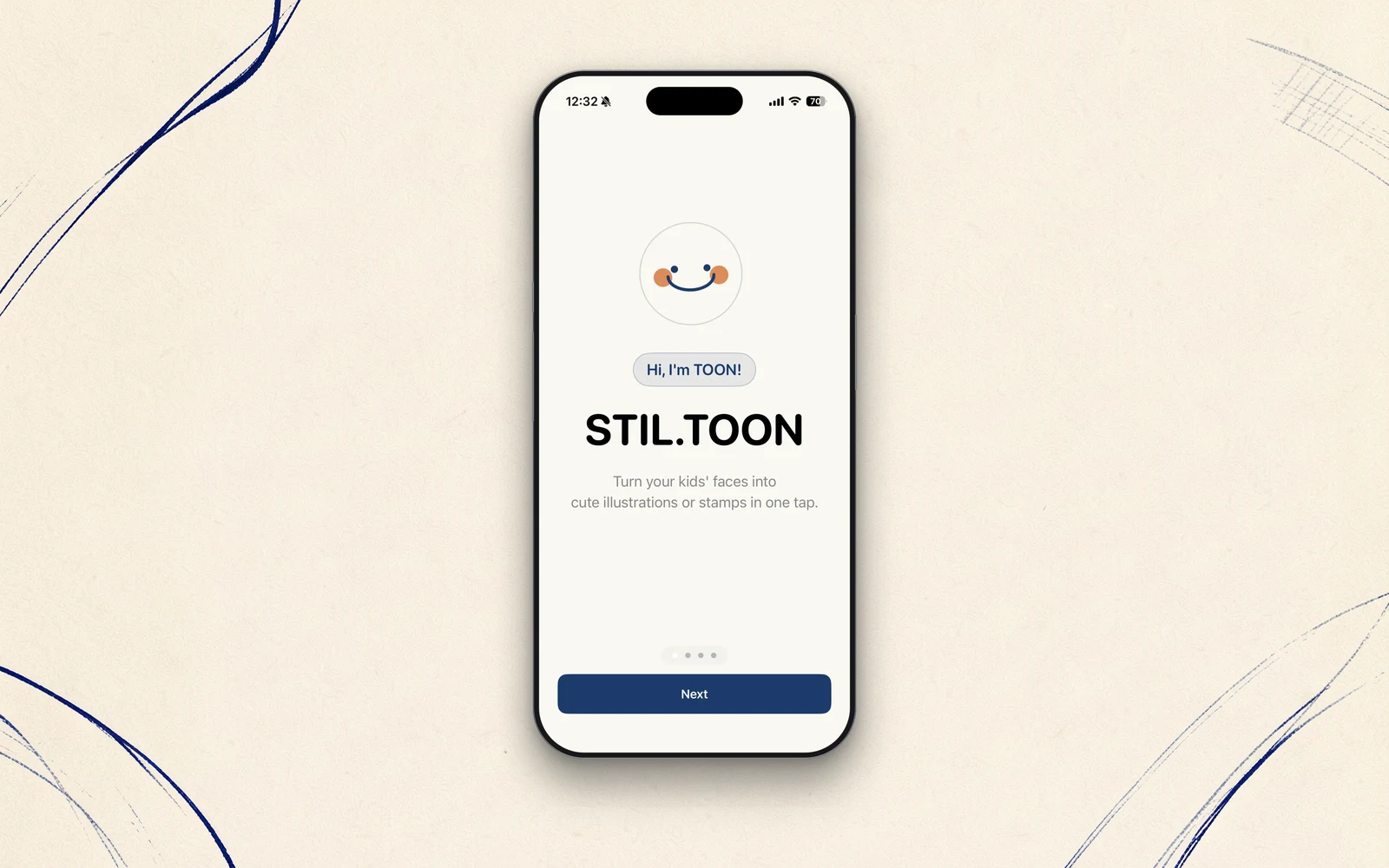
In Darkroom Notes so far, I've written about how I built STIL. — the iPhone app that pulls a single frame out of a video. Season 1 ended on a piece called "from one app to a family." Season 2 starts today, and picks up from there. It's about the second app I made: STIL.TOON.
STIL.TOON turns the faces in a photo into friendly illustrations. As always, the first frame is the simplest one — why I made it at all.
The heat of a moment usually has someone's face in it
To be honest, I don't personally mind showing my family's faces in a photo. But around me, I keep hearing from people who can't freely share what they shoot — held back by the prevailing sense of "better not show the kids' faces," "keep the family out of it."
I understand the reasons completely. A face, once shown, can't be pulled back. Being careful is only natural. And yet it always struck me as a waste. A good photo usually holds the heat of a moment — a laugh, the rush of fun, the feeling shared by everyone who was there. To keep that locked away, just because a face is in it, felt like a loss.
There was one more thing that always nagged at me. My own family is fine — but a friend beside us, or a stranger who happened to be in the frame, isn't mine to put out into the world. That's a genuinely hard call. You can't check with each person, so in the end the good photo just stays in your hands.
I want to share the heat. But I don't want to expose anyone's face without asking. Was there a way to do both? STIL.TOON is the answer I arrived at.
Not erasing, but redrawing
The simplest way to protect a face is to hide it — a mosaic, a sticker, a blur. But cover it up and the expression goes too, along with the feel of the moment. In protecting it, you lose the very thing you most wanted to pass on.
What STIL.TOON chose was not to erase, but to redraw. It finds the faces in a photo and replaces them with illustrations. The expression, the pose, the mood of that instant all stay — only the "who this is" is quietly lifted out. Hidden, without hiding. That's what the title, "hidden in plain sight," means.
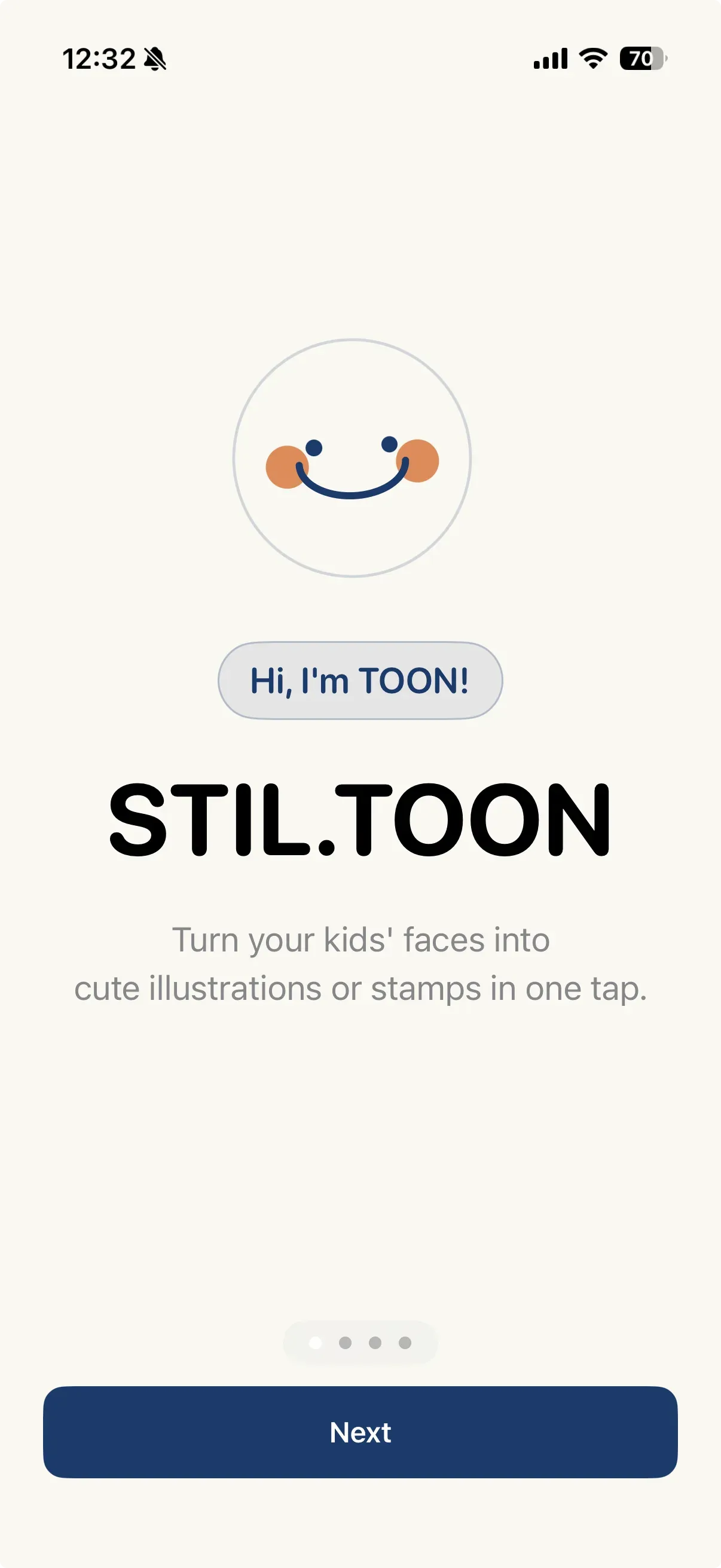
The work of turning a face into a drawing is handled by Apple Intelligence, running inside the iPhone. How it does it — how it finds a face and renders it as art — is what I'll write about next time, in full. For today, I'll leave it at the idea: protect the face without erasing it, keeping the mood intact.
"We don't hold it" applies here too
With STIL., the one thing I least wanted to bend on was "your material never leaves the device." STIL.TOON is the same. Photos are never sent off the device. Finding the faces, redrawing them as illustrations — all of it stays inside your iPhone. There's no account to create, and the App Store privacy label reads "Data Not Collected."
When I thought about it, this was obvious. An app for protecting faces, quietly sending the photos of those faces to a server, would make no sense. If you mean to protect something, don't be the one holding it. The design I settled on with STIL., STIL.TOON inherits unchanged.
What I'll write in Season 2
In this Season 2, I'll go through the things that happened while building STIL.TOON, one at a time.
- How the iPhone finds a face and redraws it as art
- The trial and error of cutting out just the face with only Apple's public APIs
- Rebuilding the whole thing before a single person was using it
- How a watermark is a limit and an advertisement at once
- The record of going from kickoff to the App Store in a single week
Like the first app, I'll write the backstage story honestly, without exaggeration — how the second one was born, as one app grows into a family.
Let's begin
Pass on the heat of a moment, just as it was, without putting anyone's face out there unasked. That's what I made STIL.TOON for. Next time, I'll write about the inside of "turning a face into a drawing" — starting with what the iPhone is actually doing.
STIL.TOON is out on the App Store. If you like, open up one of those photos you've been keeping to yourself.