Darkroom NotesSeason 2STIL.TOONPart 3 of 6
The background that doubled — cutting out a face with only Apple's public APIs
Turning a face into a drawing — that part worked. The problem was putting the drawing back onto the photo: only the face swapped, the background and clothes left as they were. It didn't come easily. The background doubled, I hit two dead ends, and still cut my way through with only Apple's public APIs — the record of one day.
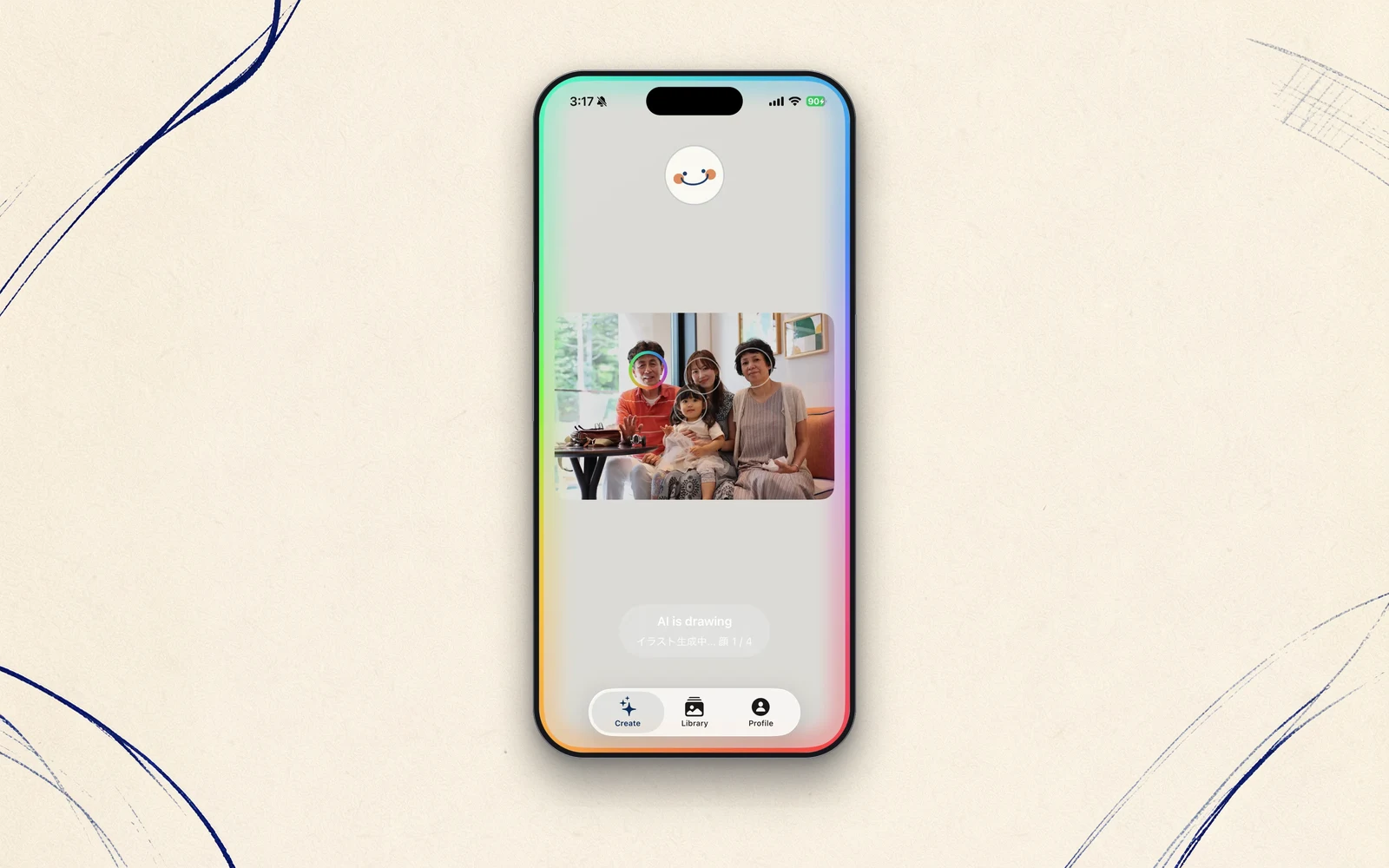
Last time, I wrote that Vision finds the face and Apple Intelligence draws it. But the real difficulty came after that — putting the drawing back onto the original photo. Only the face swapped, the background and clothes left as they were. Making that work took me a whole day. This is the story of that trial and error.
The background doubled
The first wall I hit was a fairly fundamental one. Even when I hand it just a face, Image Playground returns a complete image with the face, clothes, and background all style-converted together. It won't draw and return only the face.
Lay that over the face in the original photo, and here's what happens: the person and the background the AI drew sit right on top of the original. The AI's imagined background overlaps the original one — it doubles. And it looks slightly stretched, on top of that.
I combed the SDK for any way to control the output's composition — make the background transparent, return only the face. There wasn't one. Apple, I think, built it that way on purpose. The "only the face" I wanted wasn't on the tool's menu.
Two dead ends
First I tried to cut it out by force. An elliptical mask: keep the center, fade to transparent toward the edge. But on a real device, the top of the hair and the chin dissolved away, the outline smeared, and no matter what, it still looked square-cropped. I caught myself thinking, "so this is the limit."
Next I tried a completely different road. Could I bring the iPhone's Memoji in as an image? Technically I could — but a Memoji is a fixed 160 pixels square and coarse, and it always comes with the head, shoulders, and clothes. For laying over a photo, the resolution and the shape both fell short. I dropped that too.
Two dead ends. Half a day went by like that.
I tried the thing I'd assumed wouldn't work
Here, I changed how I was thinking.
I'd decided that Image Playground wasn't a model that strictly follows prompts. Ask a generative AI to "make the background white" and it'll just ignore you — or so I assumed. That move had been off the table from the start.
But with two dead ends behind me, a thought surfaced: maybe, before deciding it won't work, I should actually try it once. Write the prompt plain white background, head and shoulders portrait, illustration style. Then run Person Segmentation — Vision's technique for lifting just the person out of an image — on the result. Dictate the background with one tool, erase it with the other — I tried combining the two.
It worked
The result proved my assumption wrong — and I was glad it did.
Image Playground did draw a white background. At least in the illustration style, it follows a composition instruction. And Person Segmentation lifted just the person out of that image, beautifully — tracing the silhouette of the hair, down to the earrings.
The white background vanished, leaving only the illustration from head to shoulders. Ease it onto the original photo, and — the background doesn't double. The clothes, the body, the air of the moment, all as they were. Only the face has become a drawing. And every bit of this was done with only Apple's public APIs. No outside service, no server.
What I learned was simple. Before deciding "it can't be done," try it once. A tool's limit usually sits just a little outside your own assumption about it. Half a day of dead ends was the distance between me and that one-line prompt.
The finishing touches, handed to the user
Even so, automation left quirks I couldn't fully tame — the face's position, size, tilt. The photo's orientation, the handling of rotation (Vision and the screen disagree on which way is "positive") — I walked into plenty of small traps.
So I handed the final adjustment to the user. Match the circle's size and position with a finger, flip it, fix the tilt. Chase full automation and you get caught in the AI's quirks forever. Drawing the line at "this far, and the rest by hand" turned out far better. With a bonus attached: the fun of finishing the picture becomes the fun of using the app.
Next time
That one day gave the app its core. Replace a face naturally, with only Apple's public APIs. Once the seed is found, the rest is just growing it. Next: the story of how I rebuilt that app almost as soon as I'd shipped it.
STIL.TOON is out on the App Store.