Darkroom NotesSeason 2STIL.TOONPart 2 of 6
The iPhone turns a face into a drawing — Vision finds it, Apple Intelligence draws it
Last time I wrote that STIL.TOON redraws a face rather than erasing it. So how does it find the face, and how does it draw it? Vision finds it; Apple Intelligence draws it. And the first place I tripped was calling the tool the way I assumed it worked, instead of the way it actually did.
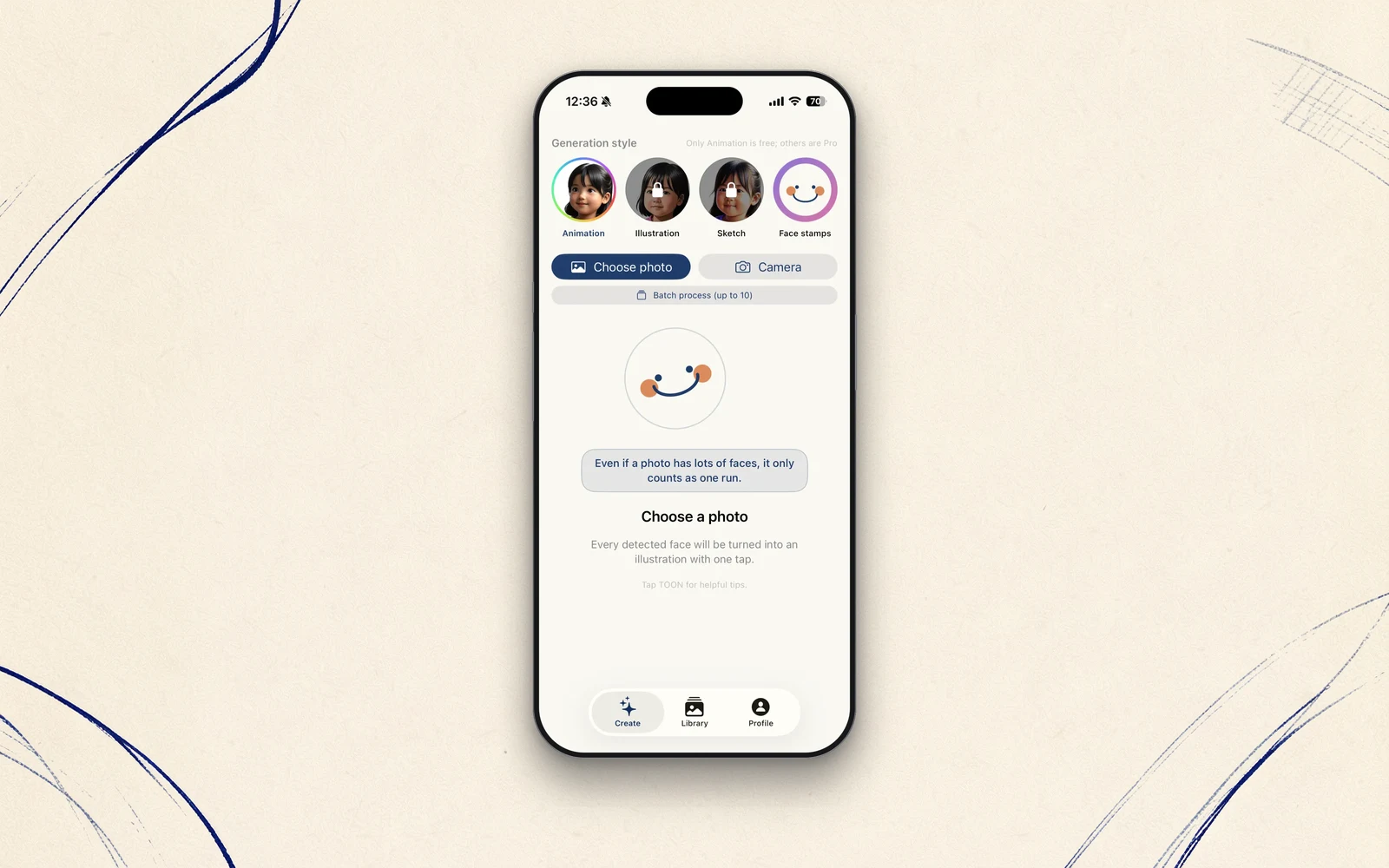
Last time, I wrote that STIL.TOON doesn't erase a face, it redraws it as an illustration. Today I'll open it up. From a single photo, how does it find the face, and how does it turn it into a drawing? Here's the reveal.
Vision finds the face
The first job is knowing where the faces are. That's handled by Apple's Vision Framework. Hand a photo to its face detection (VNDetectFaceRectanglesRequest), and it returns where, and how many, faces sit in the frame. Even with several family members or friends in the shot, it finds each one.
This is continuous with the first app, STIL. When STIL. picks a frame out of a video, it's looking at the faces too. TOON stands on the same foundation: reading the faces in a photo.
Apple Intelligence draws it
The found face is then redrawn as an illustration. This part is handled by Apple Intelligence's Image Playground, running inside the iPhone. From the original face, it generates a line-art or illustrated version.
One thing I want to keep clear: STIL. (frame extraction) uses Vision, while this "make it a drawing" part uses Apple Intelligence. Even within one family, different apps run on different engines. The one thing the whole family can say in common is simply this: all of it runs inside the device.
I tripped on an assumption
To be honest, I tripped here, and not gently.
At first, I thought I could make an illustrated face from a text prompt alone. Hand it words like "a child's face, illustration style" and surely something face-like would come out. But on a real device, every attempt failed. What came back was this:
Provide a source image containing a person's face to create an image using this prompt.
In other words, to draw a person, Image Playground needs an actual image of a face — words alone won't do. By design, for safety, it won't conjure an imaginary person's face out of text. I had guessed how to call the API from a sample, and guessed wrong.
Once I understood what the stumble actually was, the fix was simple. Hand the tool what it actually wants — the image of the person's face itself — and rewrite the call to match. I checked what the SDK really takes, and it was fixed the same day.
The lesson is simple too. Use a tool the way it asks to be used, not the way you assume it works. Reading the definition once beats guessing and falling over on device. I'd just gone back and done the obvious thing properly.
But putting it back was the hard part
That's "finding" and "drawing." But the real difficulty came next: getting the drawing back onto the original photo — so that only the face is swapped, while the background and clothes stay as they were. That turned out to be far more troublesome than I'd expected.
I'll write up that one day of trial and error next time. To give the ending away: getting through this is what made STIL.TOON possible at all.
The drawing step, too, finishes inside the iPhone. Apple Intelligence runs on-device, so the photo never leaves. It does need a device that supports Apple Intelligence (iOS 26.4 or later) — but in exchange, you hand nothing over.
Update (September 2026)
I wrote this in June 2026, when STIL.TOON was at version 1.1. Since version 1.2 in September, on iOS 27 the drawing step is handed to Apple's Image Playground and processed inside Apple's infrastructure. Even when it uses Apple's Private Cloud Compute (PCC), no one can see the contents, and they're never used to train models. On iOS 26, it still finishes inside the iPhone, just as described here.
Where I wrote above that the one thing the whole family can say in common is that all of it runs inside the device, the accurate version today is: on your iPhone by default, and only the heavy lifting on Apple's private cloud. Your photos never leave Apple's infrastructure. Vision, which finds the face, still runs on the device.
Next time
Next: the single day it took to get the face — and only the face — cleanly back into the photo. The background doubled, I hit two dead ends, and still found a way through with nothing but Apple's public APIs — that story.
STIL.TOON is out on the App Store.