Darkroom NotesSeason 3STIL.BIZPart 4 of 6
It froze on the fifth — when debugging changes the spec
The machinery was in place. But scanning several cards in a row, the screen froze around the fifth. Offloading the heavy work, trimming the memory — both were correct improvements. Yet the real way out lay further on. Chasing the bug, I'd ended up rebuilding the way the app captures, without noticing.
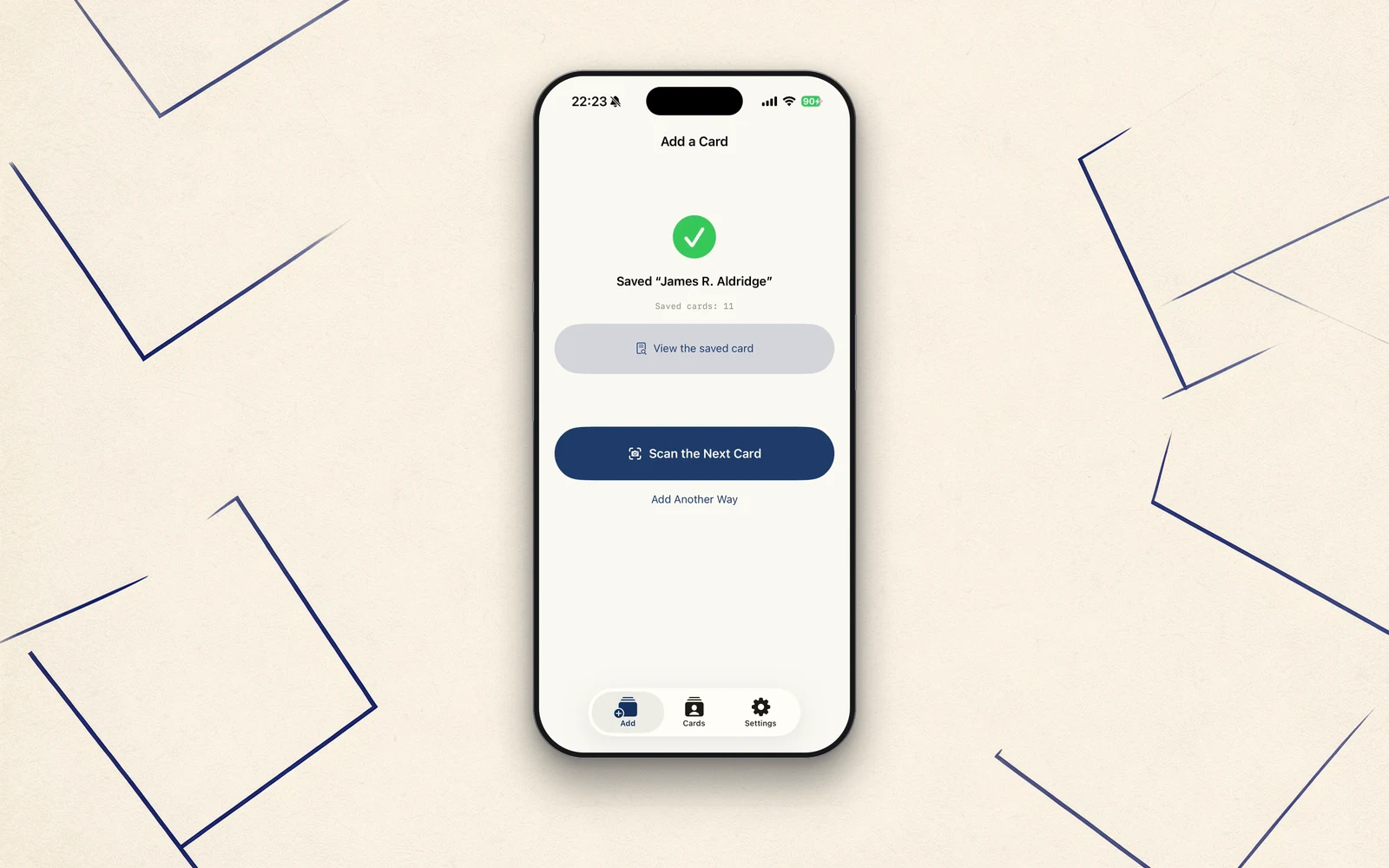
The capture was left to VisionKit, and the sorting reached every device through AI and rules. The machinery was in place. But when I actually scanned several cards in a row, something odd happened. Today, the story of how chasing one bug ended up changing the way the app is built.
It freezes on the fifth
Scanning one after another, around the fifth card, the check button at the top right of the scanner stops responding. The app doesn't crash. The camera feed is still live. But the "confirm" after a shot can't be pressed. Move the app to the background and back, and it works again.
First, I offloaded the heavy work
The first thing I suspected was how heavy the processing was. Each time a card was shot, the work of measuring its blur and cleaning up the image ran on the same track that drives the screen. That was stealing the screen's responsiveness.
So I moved that heavy work onto a separate track (the background), and reused the parts for correction instead of rebuilding them each time. A reasonable fix. — But it still froze.
Next, I trimmed the memory
Next I suspected memory. I was holding onto the corrected image at full size. Tens of megabytes per card. Scan a few in a row, and it piles up until the OS machinery driving the camera runs out of breath.
So at the correction step I shrank the image down to a size sufficient for display and saving, and let go of images as soon as I was done with them. This too was right. — And still, it froze on the fifth.
The real cause was elsewhere
What helped here was listening to the symptoms again, carefully. "Doesn't crash, stays on the scanner, camera feed still moves, recovers on return." This isn't the way things break when memory runs out.
The cause was further upstream. Each time a card was shot, I was opening the scanner screen, closing it, and opening it again. The cost of this "reopening" built up a little with every shot, until the screen's touch response — and nothing else — grew duller and duller. That was the "freeze." Not memory, not heavy processing.
So, don't reopen it
Once I understood the cause, the fix was no longer an optimization. It was to change the spec.
I stopped reopening the scanner for each card, and switched to capturing cards continuously in a single session, then reviewing and saving them one at a time afterward. Since the scanner never reopens, the dulling never happens. Continuous scanning, far from freezing, actually got smoother.
Shooting the same card twice isn't a worry either — review goes one card at a time, so you notice, and a "there's already a card with this name" duplicate notice kicks in. An unneeded shot can be skipped on the spot.
Debugging changed the spec
Offloading the heavy work, trimming the memory — each was a correct improvement on its own. But the real way out lay further on, in changing the way it captures.
Chasing a bug, I'd rebuilt the app's capture without noticing. A stumble in the field will, every so often, carry you past optimization to the "best design" that lies beyond it. The frozen fifth card, in the end, made continuous scanning feel good.
Next time
Next is also from the field. A perfectly readable card gets dropped with "the focus seems soft" — and the cause was a single number that had been left alone for too long.
STIL.BIZ is out on the App Store.