Darkroom NotesSeason 4STIL.RECEIPTPart 2 of 6
Harder to read than a card — a table splits into two lines
A receipt's line items run name on the left, amount on the right. To the human eye, it's clearly one row. But text recognition sometimes returned that name and amount as separate fragments. What looked like one row split into two — and that "table" was the part of this app I struggled with most.
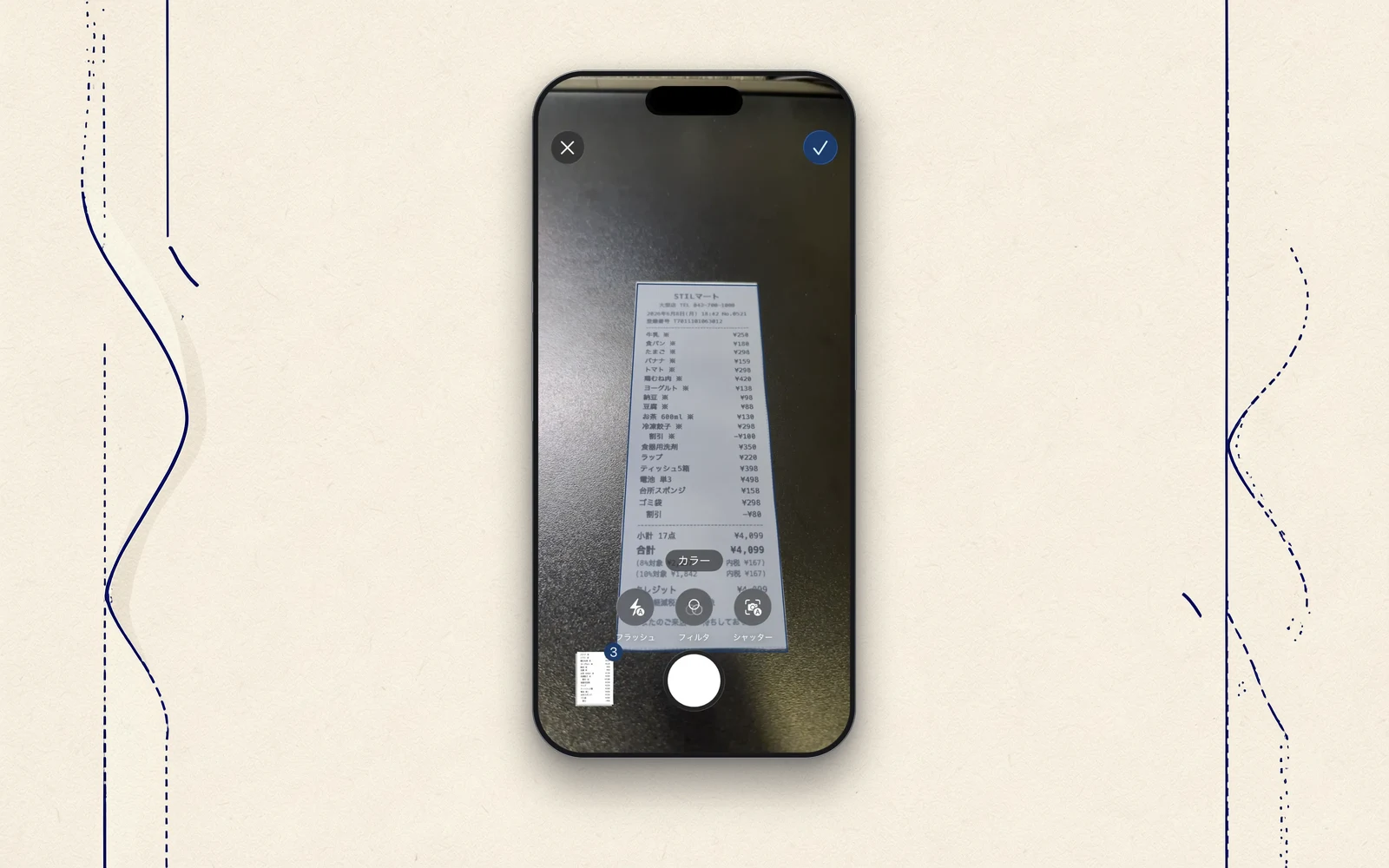
Last time, I wrote that a receipt is far harder to read than a card. Today, what that actually means. The faint print on thermal paper and the tiny characters were tough too, but the hardest part was the line-item "table."
The number comes back on a separate line from the name
A receipt's line items usually run with the name on the left and the amount on the right. "Insalata," and to its right, "¥1,300." To the human eye, that's one row.
But the iPhone's text recognition sometimes returns that "Insalata" and "¥1,300" as separate fragments. It reads the left column and the right column as two different lines. What sat side by side on the paper comes undone into pieces once it's data.
So the line items fell apart
My first build rested on the assumption that you pair the name and the amount on the same line. So when name and amount come back on separate lines, no pair can form. On one restaurant's receipt, the line items all went wrong.
When I handed it to the AI instead, it broke in a different way. It invented numbers that weren't there. Seven line items all came back as "¥100, reduced rate 8%." When in fact Bresaola ¥1,300 and Insalata ¥1,300 were printed right there on the paper. Faced with scattered fragments, the AI had filled the gaps with plausible-looking numbers.
Rebuilding the visual line
The fix was to set the machine's convenience aside and go back to how it looks on the paper.
Each fragment text recognition returns carries information about where it sat on the paper — how high up the page it was. So I decided to bundle fragments whose vertical positions overlap back into a single line. Connect "Insalata" with the "¥1,300" sitting at the same height to its right. Put back into one line, in coordinates, what the human eye had seen as one line from the start. I call this "visual line reconstruction."
I put everything back on top of it
I changed things so the AI, the rule-based parser, and the raw text all work on top of this rebuilt line. What gets read is now the reconstructed line, not the scattered fragments.
And the line items stood up properly, one by one. Insalata ¥1,300, Bresaola ¥1,300. Fragments that had come apart recovered the meaning of a whole line again.
What it taught me was this. Rather than have people conform to what's easy for the machine, rebuild the machine's side to match what the person saw. Reading a receipt was less about picking up characters than about standing the paper's layout back up.
Next time
With that, the table could be read. But the numbers held another pitfall. AI and rules alike sometimes mix up the tax rate and the tax amount. Next, the story of how math fixed those mix-ups.
STIL.RECEIPT is out on the App Store.